Trying Out Chrome Silver Sticker Paper 🩶
✨ Quick summary: I tested Teckwrap’s Chrome Silver sticker paper + holographic laminate to make shiny manifestation sticker packs. And I’m sharing the exact steps + a free packaging designs for download.
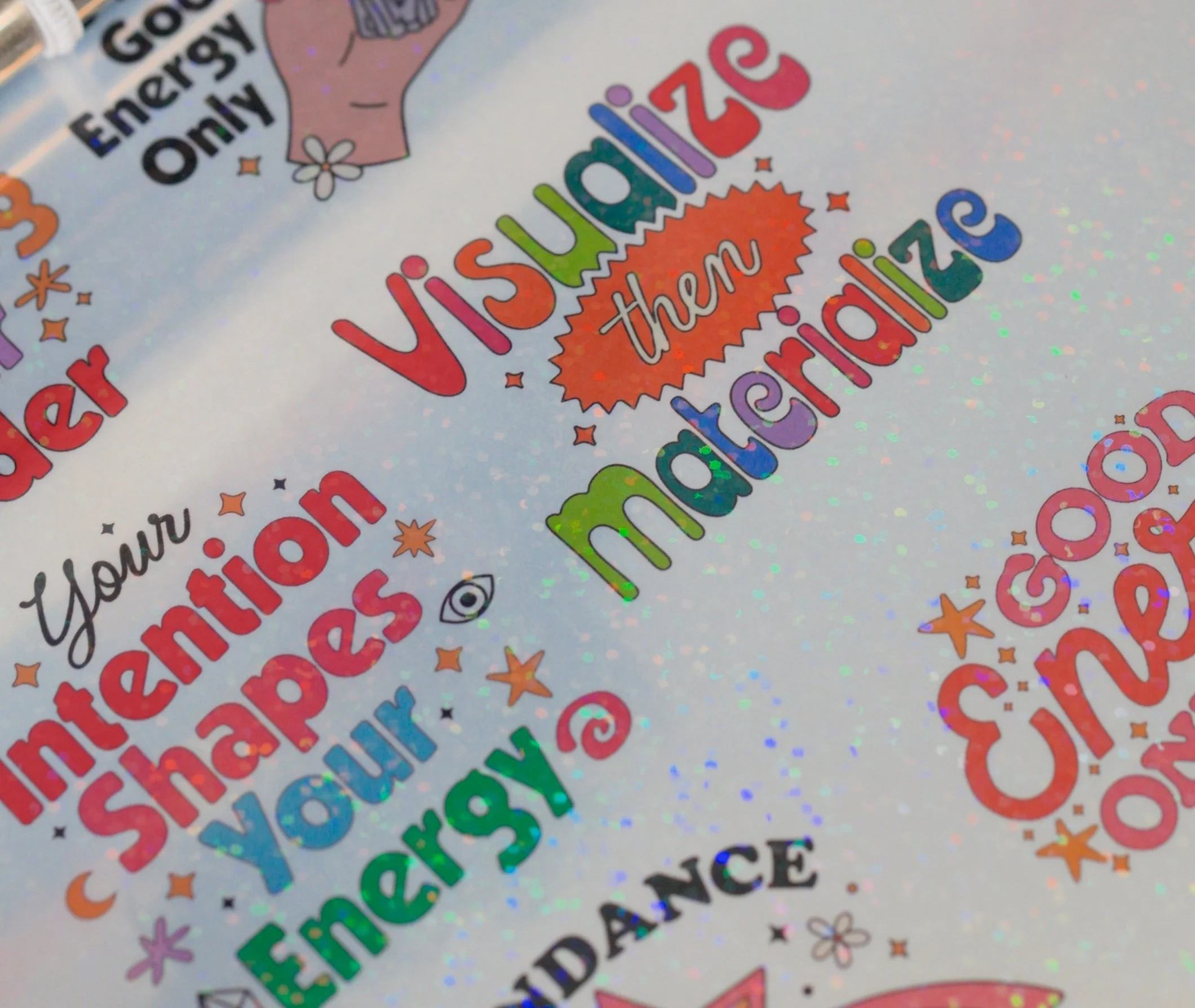
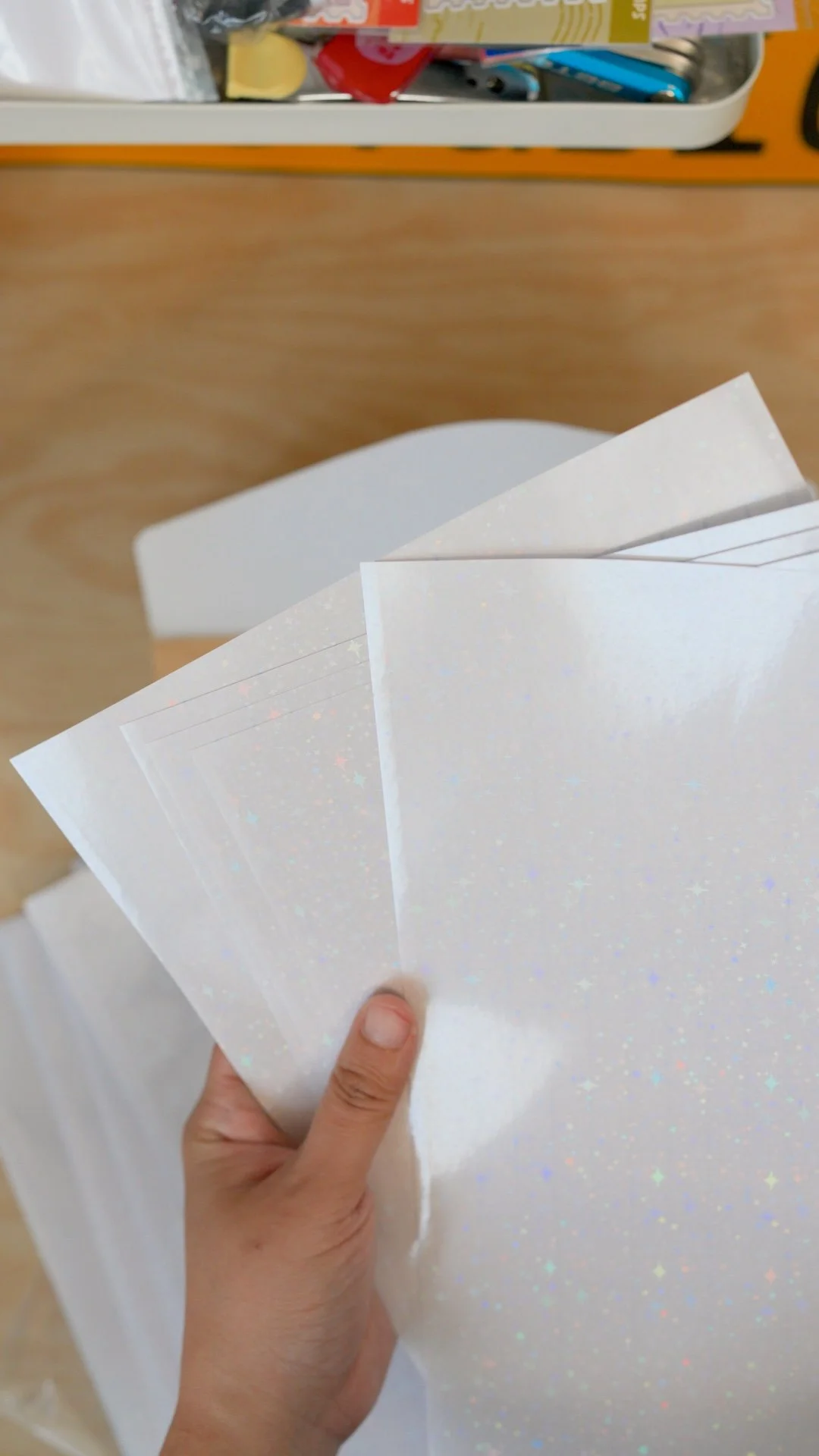
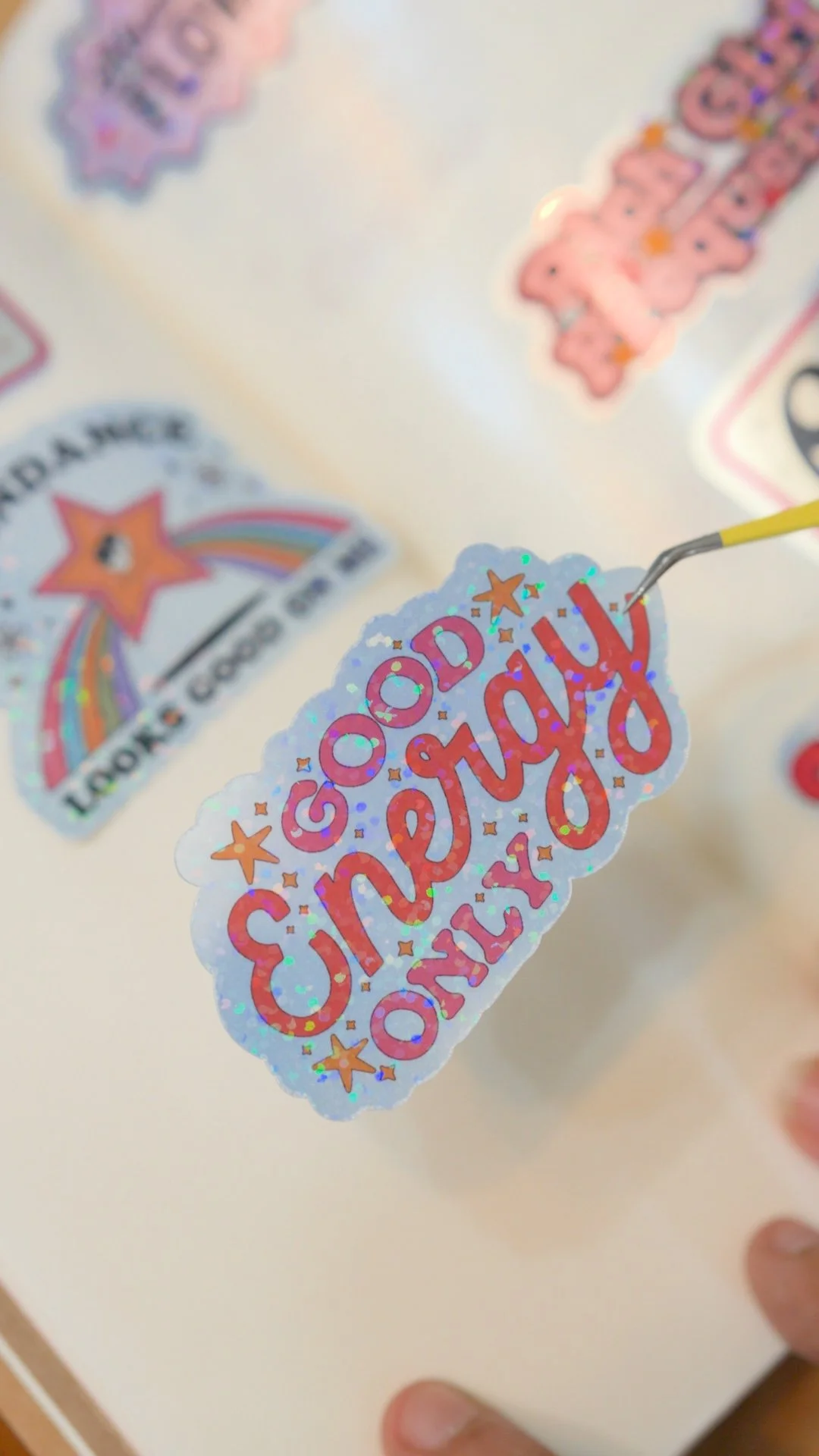
A closer look to the chrome silver and holographic laminate from Teckwrap.
What we’re making
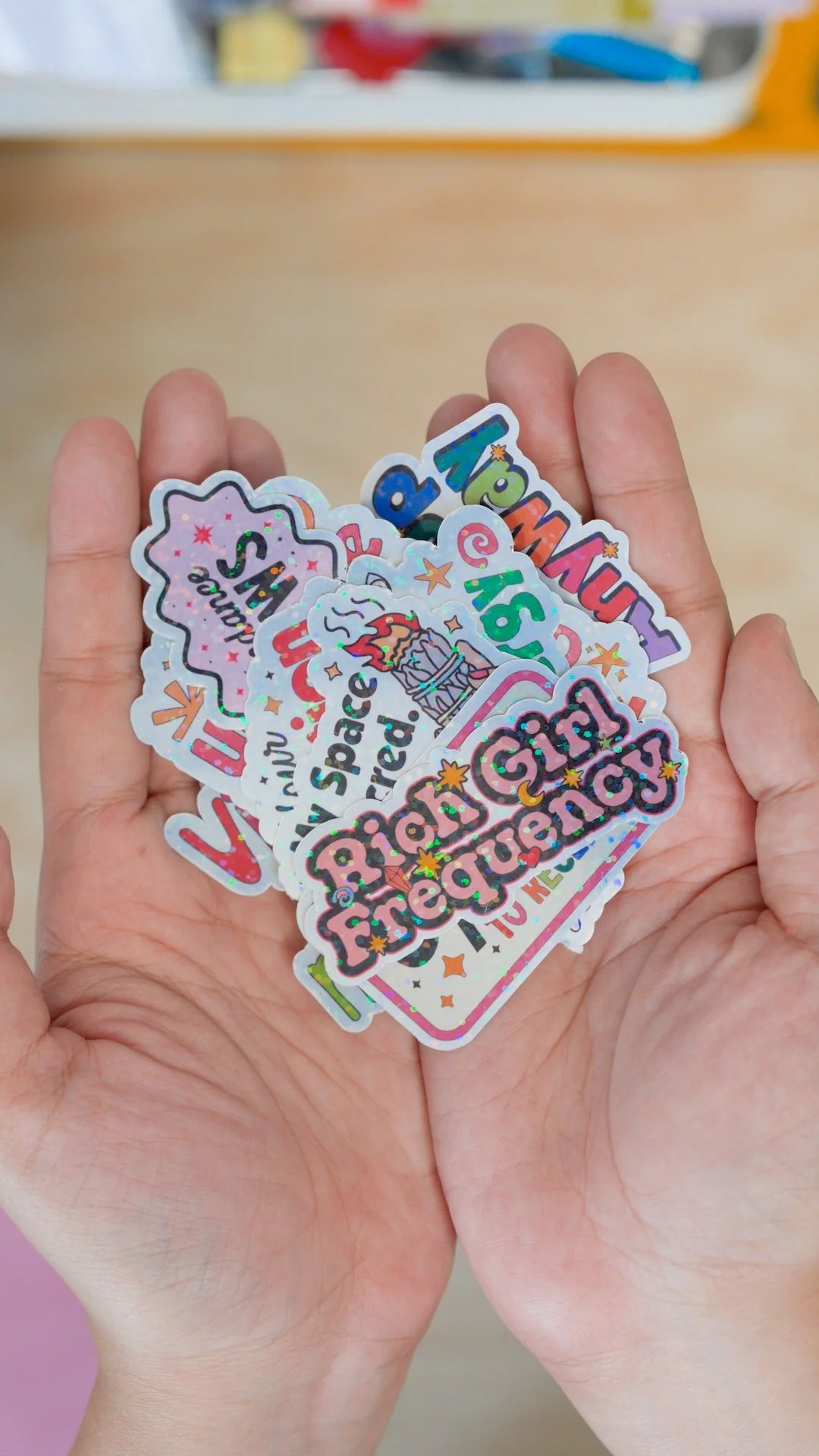
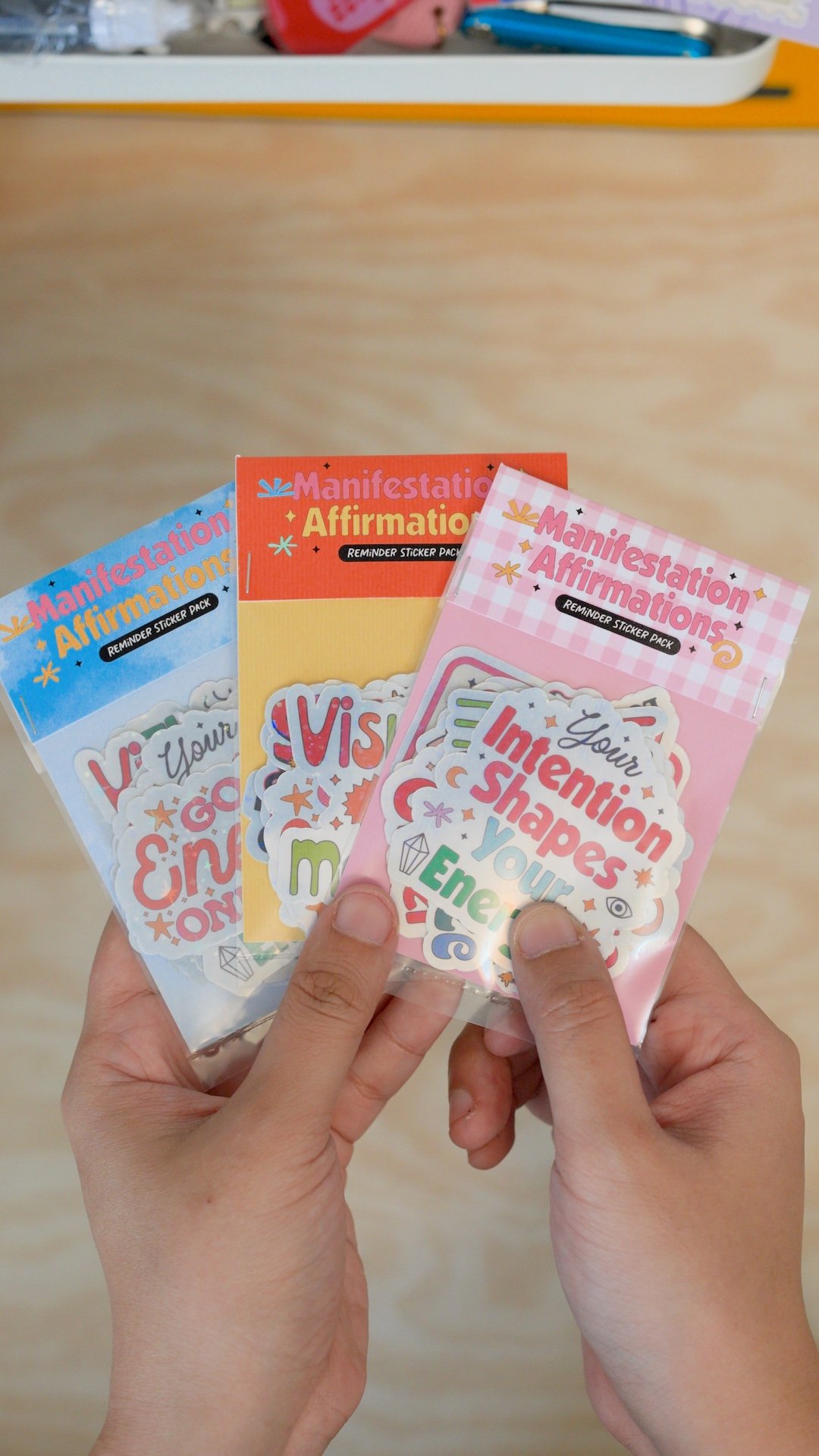
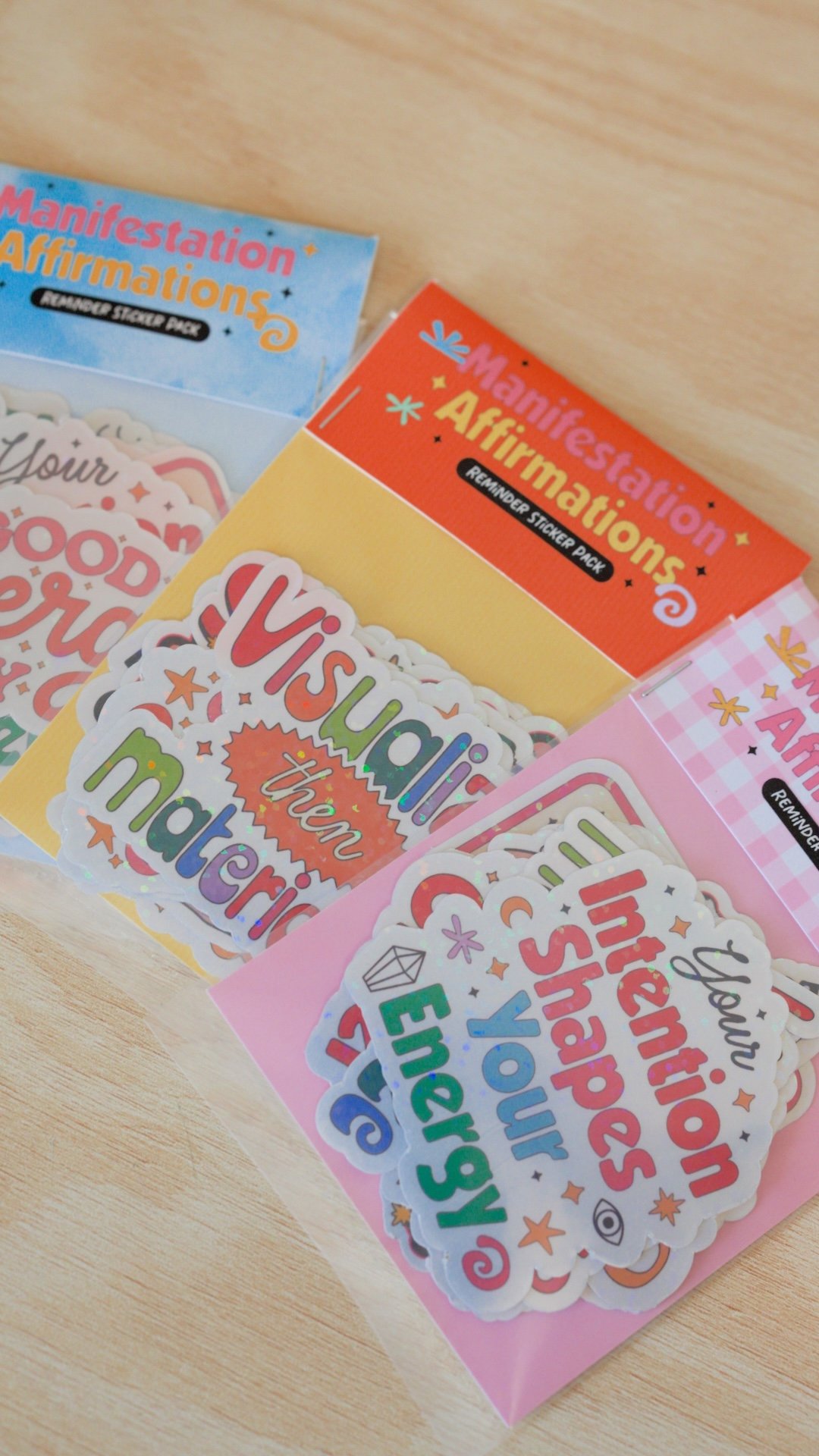
A manifestation affirmations sticker pack printed on Teckwrap Chrome Silver printable sticker paper, topped with a sparkly holographic laminate, then cut and packaged.
Supplies + tools
Digital sticker designs (I used my Manifestation Affirmations)
Sticker paper: Teckwrap Silver Chrome printable sticker paper
Laminate: Teckwrap glossy laminate
Printer (home printer is fine)
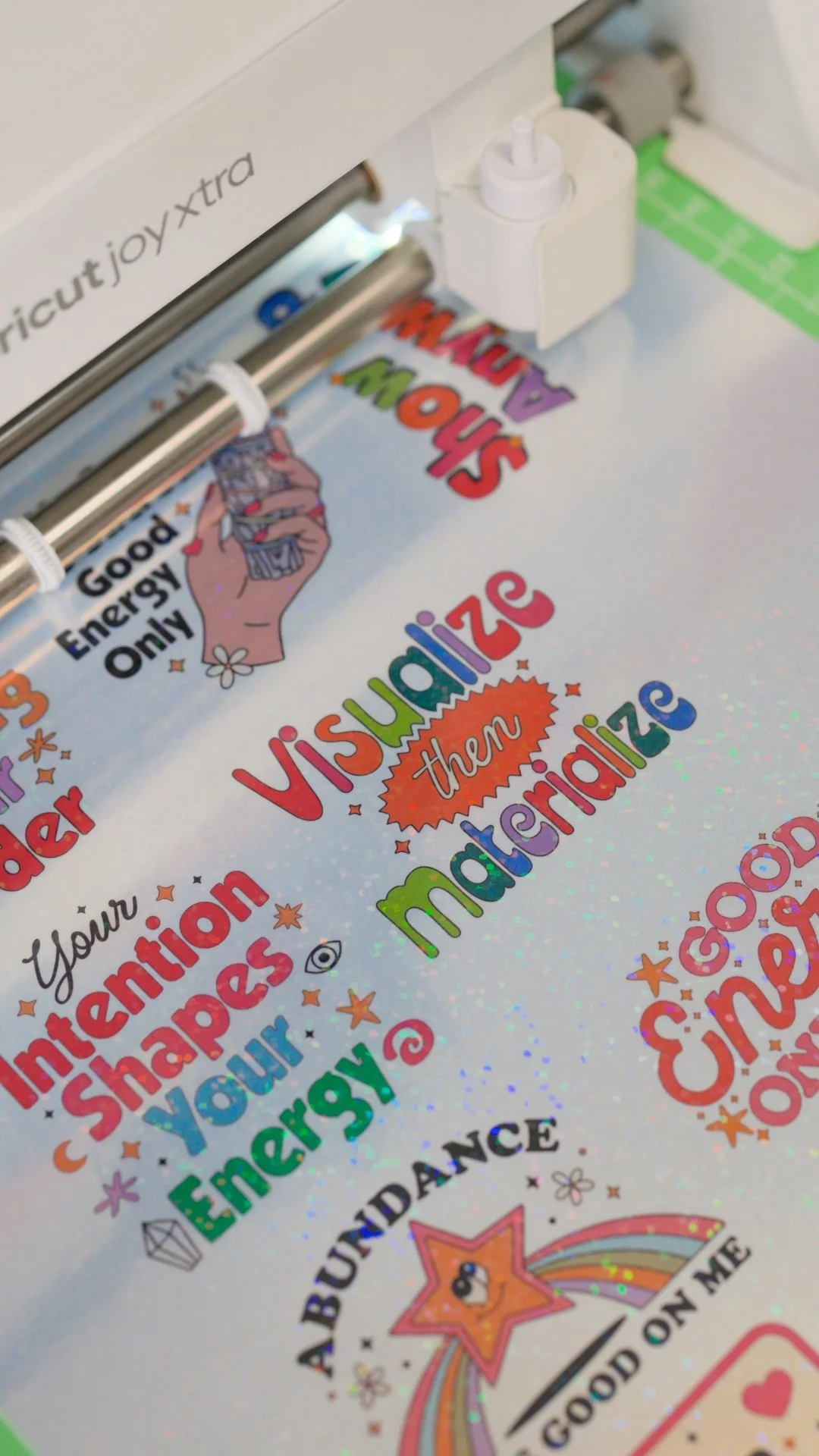
Cutting machine (I used a Cricut Joy Xtra) or other cutting tools
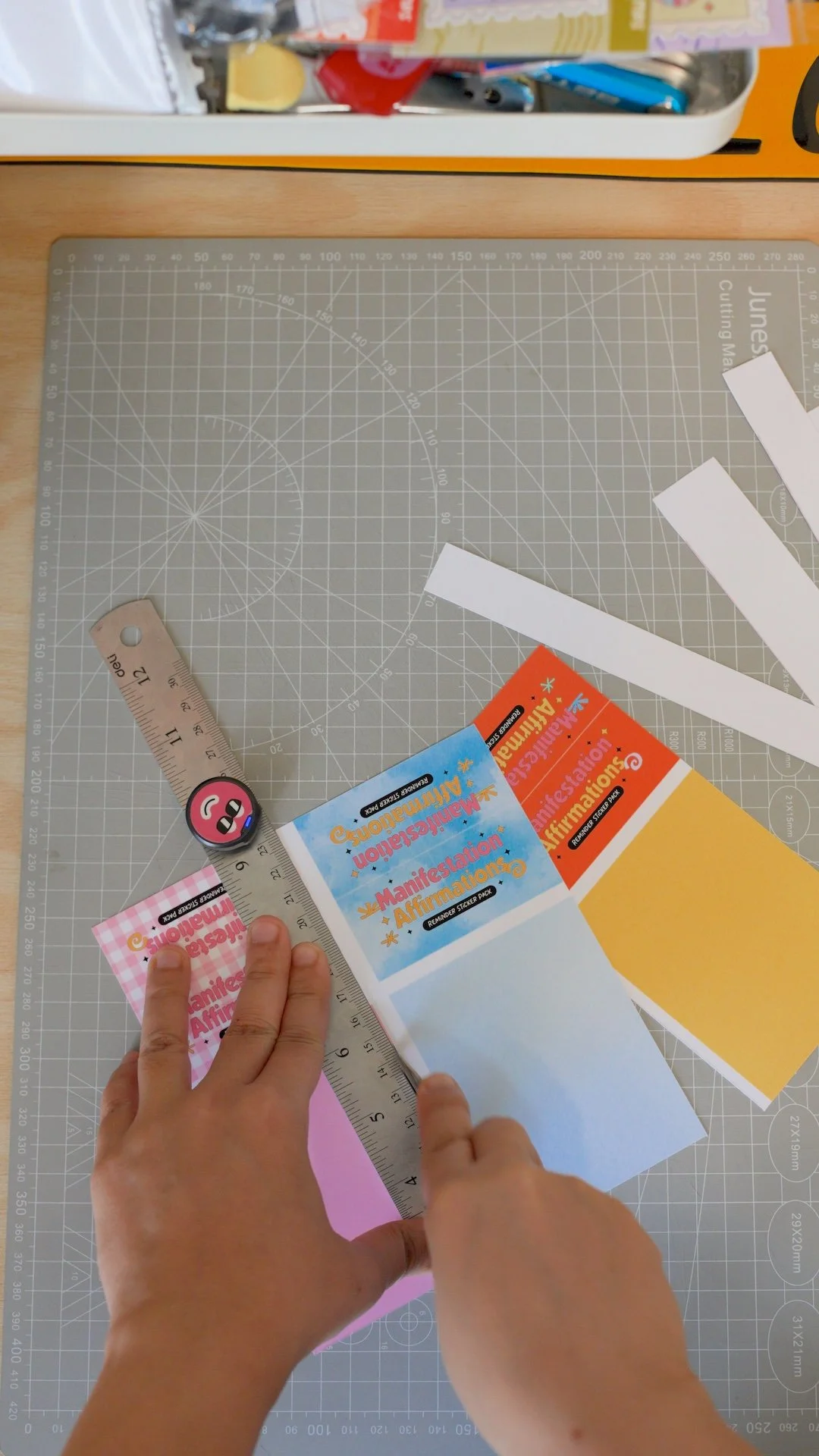
Packaging / backing card design
Step-by-step:
How I make these chrome silver stickers 🩶
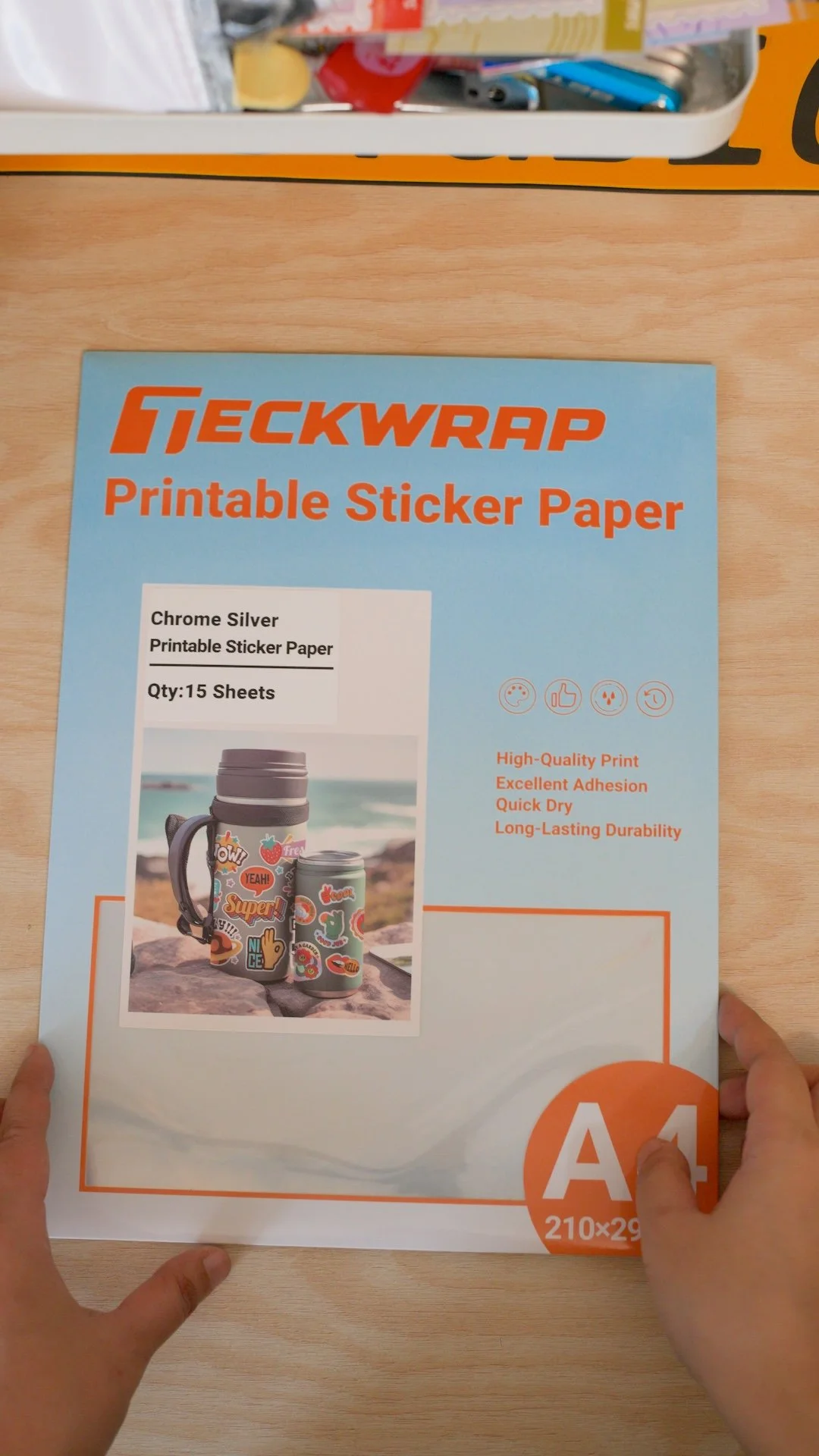
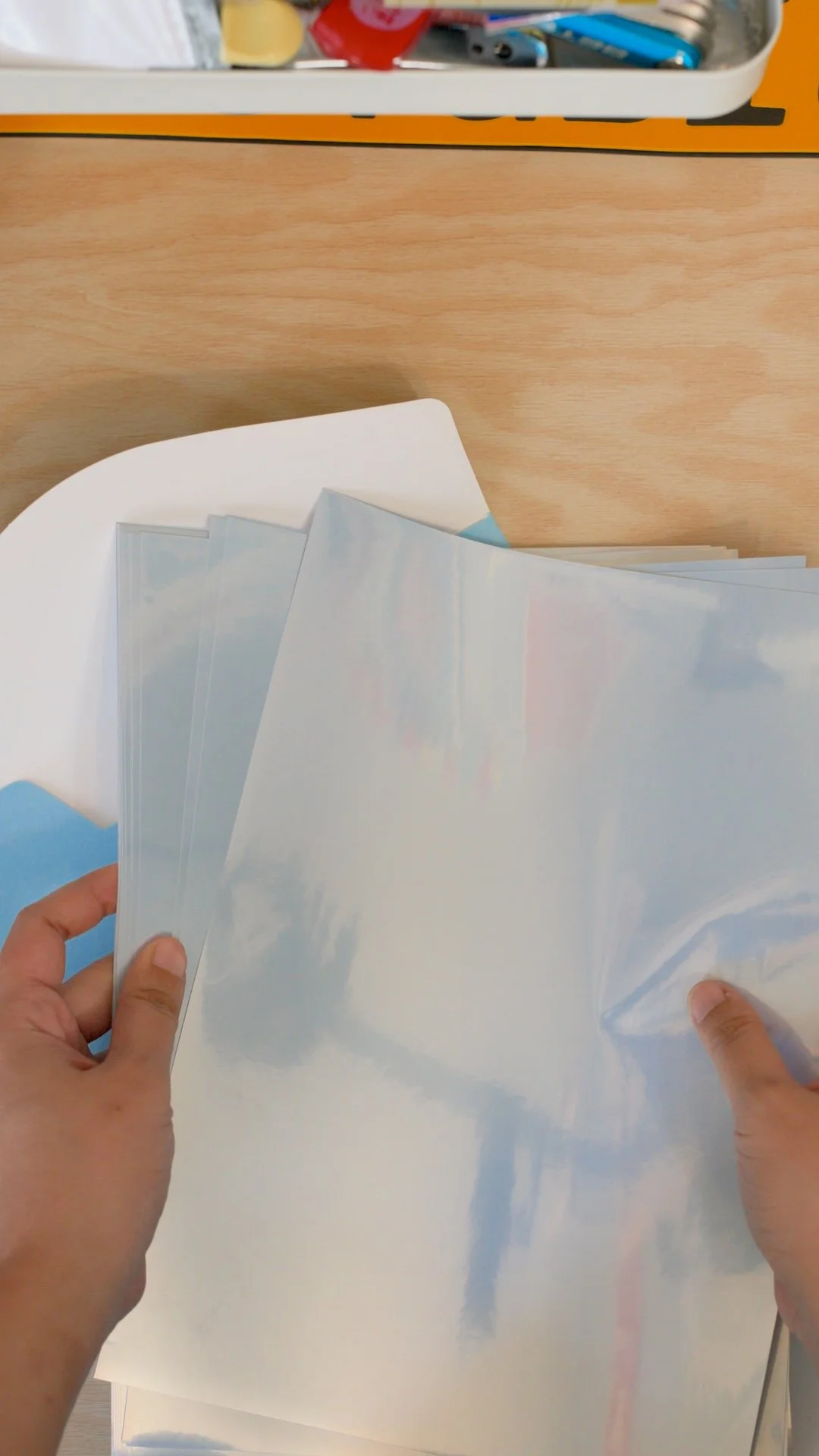
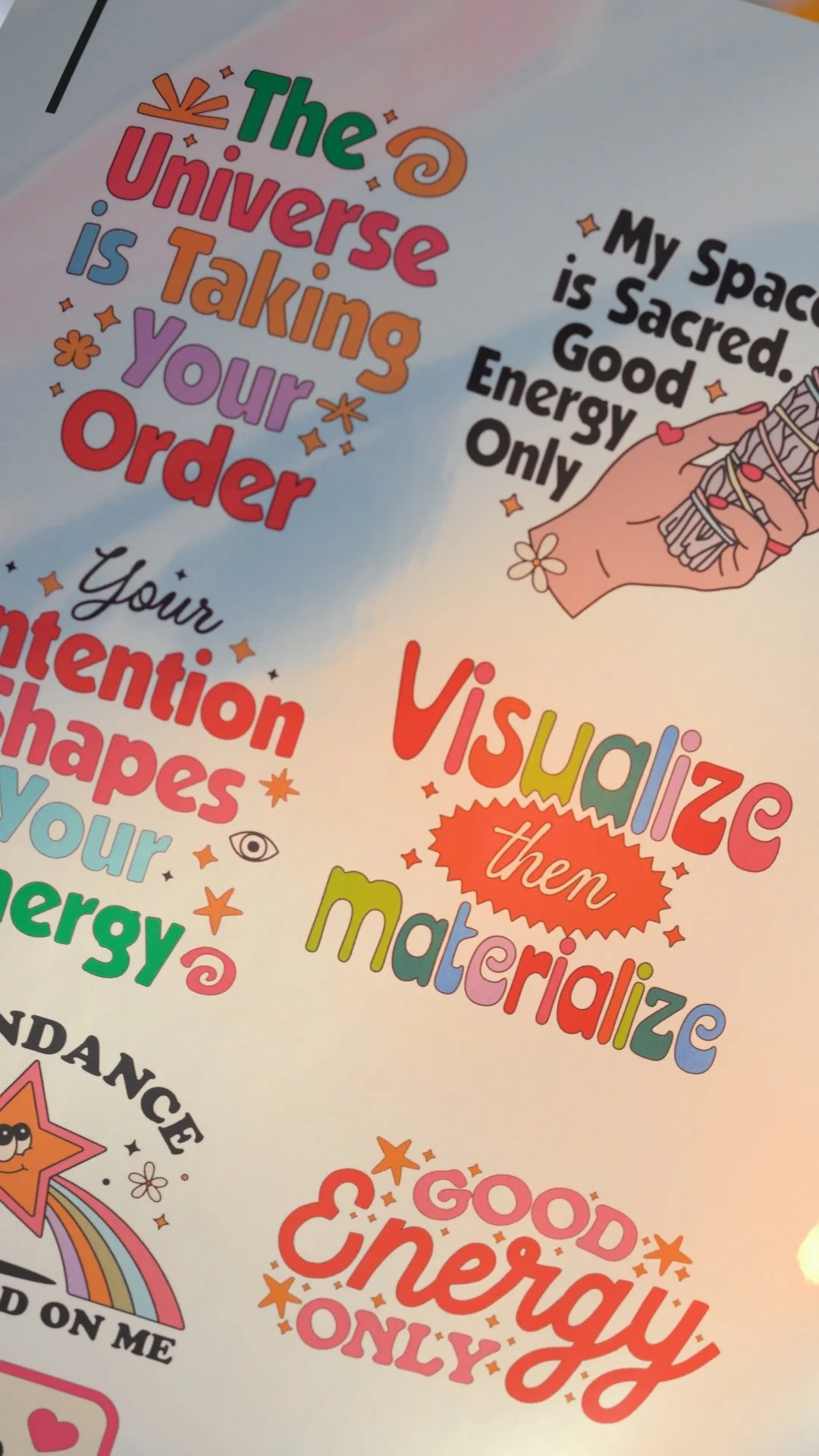
1) Pick designs that match the “chrome” vibe
Chrome Silver sticker paper automatically gives a slightly different finish than plain white sticker paper. Designs with:
bold shapes & colors
high contrast
clean thick outlines
…look especially good on it.
2) Print settings (simple beginner version)
This is the quick setup I use:
Paper type: Glossy
Quality: Highest / Best
Scale: 100% / Actual size
Print one test sheet first so you can see how the colors look on chrome (it’s normal for colors to look a little different since the silver base shows through).
3) Add the sparkly holographic laminate
Apply any sparkly holographic laminate smoothly (go slow so you don’t trap bubbles).
This adds protection and makes the sticker finish look extra nice.
4) Cut your stickers
If you’re using a Cricut / any cutting machine:
Use a stronger cut pressure setting if you’re cutting through laminate + sticker paper.
Do a small test cut first because every machine behaves a little differently.
5) Put together the packaging
I made a matching backing card + packaging for this set.
6) Final reveal (and why I love this material)
What I love about Teckwrap’s Chrome Silver sticker paper is it adds character to your stickers immediately, your stickers look different from the usual matte/white finish, and the chrome base gives them that subtle “y2k” look.
Quick FAQ
Can you print color on chrome silver sticker paper?
Yes, colors print on it, but expect a slightly different look because the silver base affects the final tone. But this is exactly the charm to it.
Do I really need a Cricut or a cutting machine?
Yes, if you want die-cut sticker shapes, you’ll need a cutting machine (Cricut/Silhouette, etc.). Hand-cutting works for simple cuts, but not for clean, intricate sticker outlines.
Can I use your exact sticker designs?
Yes. If you want to follow along with the exact set I used (it’ll save you a ton of setup time). Quick note on licensing: they’re allowed for personal use and commercial / small-business use depending on the license you pick—just double-check the listing’s terms. That’s it! Happy crafting! ✨